One sentence: sharing gives someone permission to watch your video; transferring gives them the video. Once you've internalised that, the decision becomes obvious — but the consequences differ enough that it's worth a careful read.
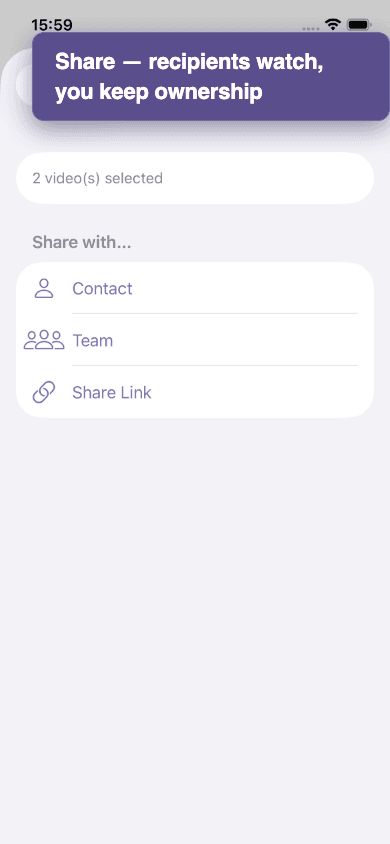
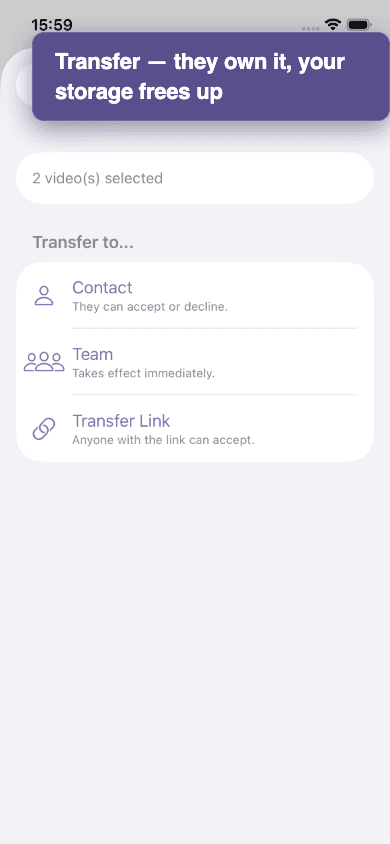
| Sharing | Transferring | |
|---|---|---|
| Who owns the video afterwards? | You. Always. | The recipient (or the team). |
| Can they re-share with someone else? | No. Recipients can watch but not redistribute. | Yes. The new owner can do anything you used to do. |
| Does the video count against my storage? | Yes — it's still your video. | No. It moves to their quota (and they need room). |
| Can I revoke? | Yes — revoke any time, instantly. | No. Once accepted, it's theirs. They can transfer it back if you both agree. |
| Does the recipient need an account? | Only for direct shares. Share links work for anyone. | Yes — transfers always go to a known account or team. |
| Default choice for… | Sending a round to your trainer or owner. Sharing publicly. Quick previews. | Videos shot on someone else's behalf (groom → rider, photographer → owner). Moving videos into a barn library. |
A worked example
Lisa is a groom. She films Sarah's round on her own phone and uploads it. The video is technically Lisa's — it's on her account, against her storage. Two ways to give Sarah access:
- Share with Sarah — Sarah can watch, but Lisa still owns the video. If Lisa deletes her account, Sarah loses access. If Lisa runs out of storage, this video counts toward her quota.
- Transfer to Sarah — Sarah accepts, and from that moment the video is hers. It moves out of Lisa's quota into Sarah's. Sarah can re-share, edit metadata, and delete it; Lisa can't.
For one-off rounds the groom filmed for the rider, transfer is almost always the right call. For "here's a video of your horse, what do you think?", sharing is enough.
Mixing both
After transferring a video to its real owner, you can still ask them to share it back with you so you keep watching access. Or set up an auto-share rule on your side so all future Donatello videos get shared automatically — see What are rules.
Transfers can be rejected
If the recipient doesn't have enough storage when they try to accept, the transfer fails. Common in shared barn settings — see Transfer rejected.